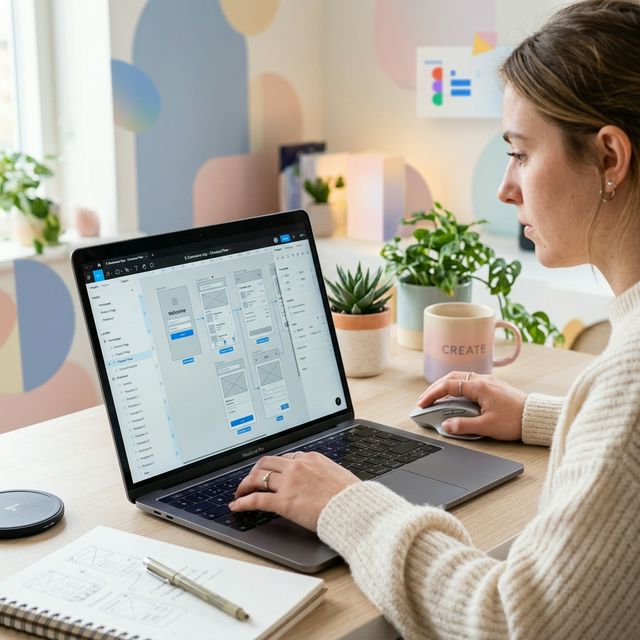
When starting a new software project, the urge to start coding immediately is strong. However, skipping the design phase is one of the most expensive mistakes a business can make. Prototyping using tools like Figma bridges the gap between idea and execution, serving as a blueprint that saves vast amounts of development time.
1. Visualizing the End Product
It is difficult for stakeholders to evaluate a product based purely on written specifications. A high-fidelity prototype provides a clickable, visual representation of exactly what the app or website will look like and how it will function. This alignment ensures everyone shares the same vision before a single line of code is written.
2. Catching Flaws Early
Fixing a user flow issue on a Figma canvas takes minutes. Fixing that same issue after the frontend and backend have been built involves rewriting logic, updating databases, and testing heavily — which can take days or weeks. Prototypes allow you to identify and fix UX bottlenecks when it is cheapest to do so.
3. Streamlining the Handoff
A comprehensive prototype acts as a source of truth for your development team. It provides exact spacing, colors, font sizes, and interactions. Developers spend less time guessing how a component should behave and more time building reliable, functional code.
4. User Testing Before Launch
Prototypes can be put in front of real users to gather feedback on navigation and layout. Watching a tester struggle to find a "Checkout" button on a prototype gives you the insight needed to iterate the design quickly. User testing at this stage prevents launching a product that completely misses the mark.
5. Accurate Quotations and Timelines
Development agencies can provide far more accurate estimates on cost and timeline when they have a functional prototype to review. It eliminates ambiguity, sets clear deliverable expectations, and protects you from scope creep and unexpected billing during the build phase.